Devices
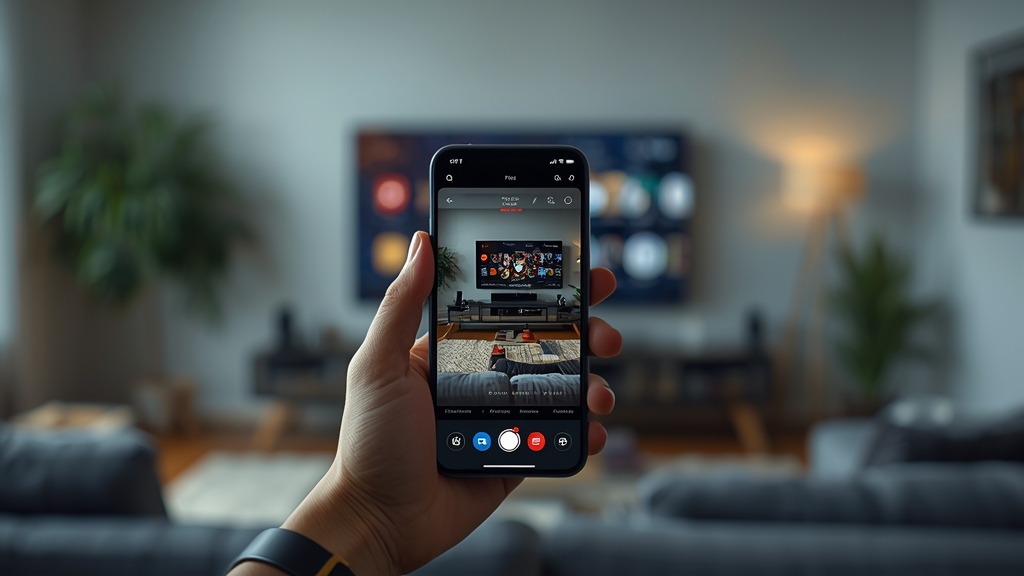
Sending an IPTV stream from your phone to a bigger TV is a convenient option for watching something you started elsewhere, but casting and screen mirroring work differently under the hood, and knowing the distinction avoids a lot of confusion when something doesn't work as expected.
Casting versus mirroring — the key difference
Casting sends a stream reference to a receiving device, which then plays it independently, while mirroring duplicates your phone's entire screen in real time — casting is generally smoother for video since the receiving device handles playback directly rather than relaying your phone's screen.
Check whether your IPTV app supports casting natively
Not every IPTV app includes a built-in cast button, in which case mirroring becomes your only option — see our device guide for devices with strong native casting support if this is a feature you want reliably.
Mirroring uses more of your phone's resources
Because mirroring keeps your phone actively rendering and transmitting the whole screen, it uses more battery and can occasionally introduce a slight lag compared to casting — worth keeping your phone plugged in for longer mirrored sessions.
Both devices need to be on the same network
Casting and mirroring both typically require your phone and your TV or streaming device to share the same Wi-Fi network — if casting isn't showing up as an option, confirming both are connected to the same network is the first thing worth checking, alongside our router settings guide.
When a dedicated app on the TV is simply better
If you find yourself casting the same content regularly, installing the IPTV app directly on the TV or a connected box, as covered in our Apple TV setup guide, is usually a smoother long-term solution than relying on casting every time.