Troubleshooting
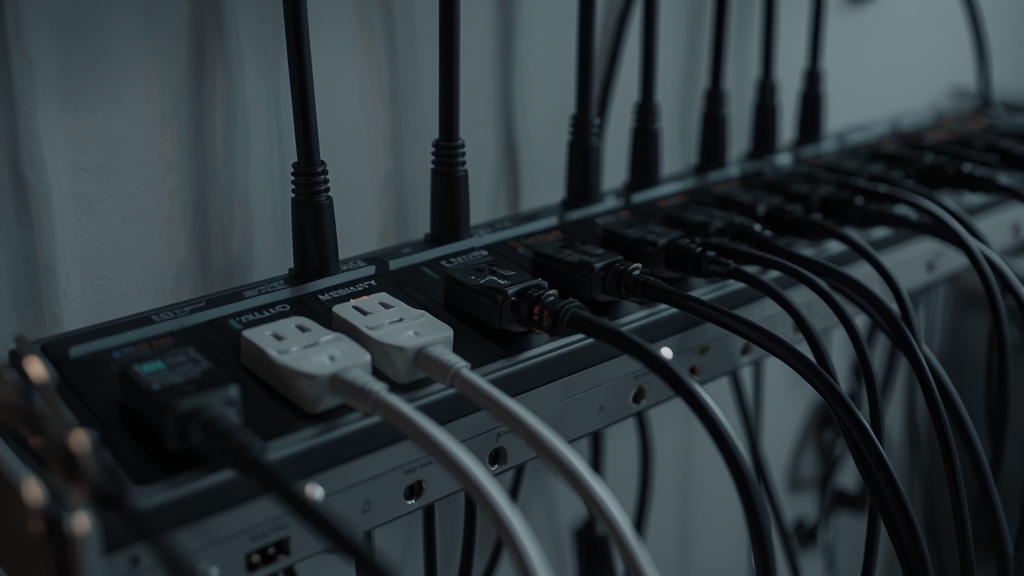
Why order matters
Restarting devices in the wrong order after an outage — for instance, turning your streaming device back on before your modem and router have fully finished reconnecting to your provider — is a common, easily avoidable reason things still don’t work properly even after a complete restart of everything.
The correct restart sequence
Power on your modem first and wait patiently for its connection lights to fully stabilize, then power on your router next, and only then finally your streaming device last. Skipping the wait time between each of these steps is the single most common mistake people make when rushing to get things working again.
If your ISP connection hasn’t fully restored
Sometimes internet service genuinely takes longer to fully restore than the modem’s status lights alone would suggest. Test a basic web page on another separate device first before troubleshooting the IPTV app itself, in order to rule out a still-recovering internet connection as the real underlying cause.
Clearing a stuck app state
If your internet connection is confirmed working normally but the app still won’t load properly, a fresh restart of just the streaming device on its own, rather than the entire network again, often clears a stuck connection state left over from the outage — see our app troubleshooting guide for related steps.
If it still doesn’t come back
Rule out router-side settings that may have quietly reset during the outage itself, per our router settings guide, and contact support if the issue genuinely persists after you’ve confirmed your internet connection itself is stable again.
Surge protection worth considering
Beyond restart order, a basic surge protector for your modem, router, and streaming device reduces the chance that an outage causes actual hardware damage rather than just a temporary disconnection. This is a one-time setup step that pays off specifically in areas with frequent storms or unstable power.
When only one device is affected, not the whole network
If other devices on the same network (a phone, a laptop) are working fine after an outage but your streaming device specifically isn’t, that narrows the problem to that one device rather than the network as a whole — a targeted restart of just that device is the right next step rather than restarting everything again.
Battery backup for extended outages
A small uninterruptible power supply (UPS) for just your modem and router keeps your internet connection alive through brief outages that would otherwise require the full restart sequence once power returns, which is a worthwhile investment in areas where short outages happen somewhat regularly.
Checking your provider’s status before troubleshooting further
If a wide-area outage affected your whole neighborhood, your internet provider’s own status page or support line can confirm whether service has actually been restored on their end before you spend time troubleshooting equipment that was never the problem in the first place.
Putting it into practice
None of the steps above require special technical knowledge, and working through them in order — rather than jumping straight to contacting support — resolves the majority of cases on the first pass. Keep in mind that IPTV setups vary by device, app, and household, so what fixes the issue for one person’s living room setup may take an extra step or two on another. If you’ve read this far and still have a question specific to your own setup, that’s exactly the kind of detail worth sending along when you reach out to support — the more specific the description, the faster it gets resolved. And if this topic connects to a decision you’re still weighing about your subscription itself, current Flash4KIPTV plans are worth a look alongside everything covered here.