Getting Started
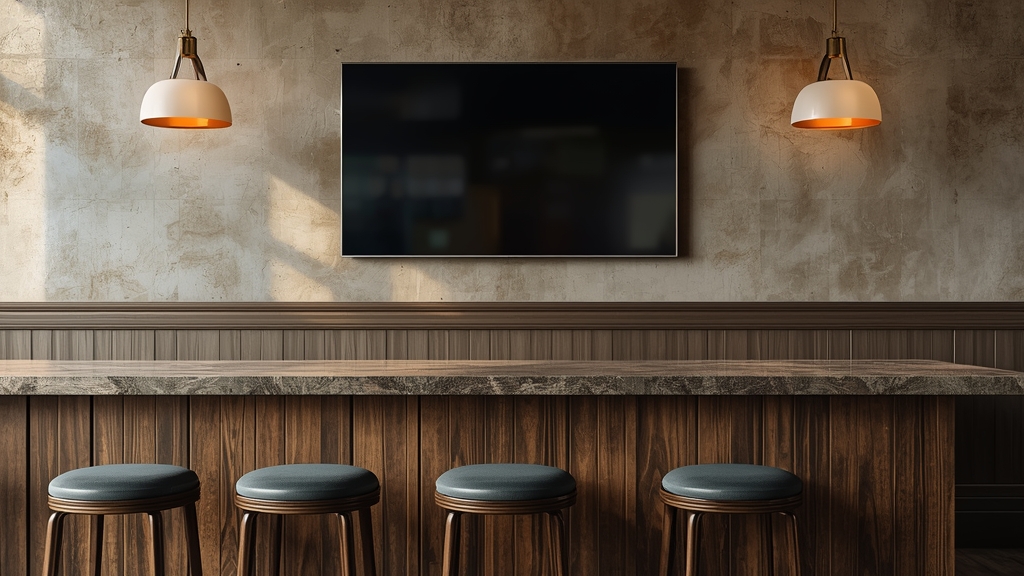
A bar, gym or waiting room putting a shared TV on IPTV has different priorities than a typical household — reliability during busy hours matters more than having every niche channel available, and planning around that upfront avoids a bad first impression with customers watching.
Reliability matters more than channel count
A shared public TV benefits most from a small set of consistently stable channels rather than the largest possible lineup — our live sports guide is a good starting point if sports programming is the main draw for customers.
Plan connections around your specific layout
Multiple screens in different areas each count against your connection limit, so map out exactly how many simultaneous screens your location runs before choosing a plan — see our connection limits guide for how that count adds up in practice.
A wired connection for every public-facing screen
Business Wi-Fi often has more competing traffic than a typical home network, so a wired connection for each public TV, per our router settings guide, meaningfully reduces the odds of a buffering screen during a busy stretch.
Have a quick backup plan for peak hours
Knowing in advance how to switch servers or lower stream quality quickly if something goes wrong during a packed evening avoids an awkward, visible interruption in front of customers — keep support contact details on hand for exactly that situation.
Keeping it simple for staff
Whoever is on shift should be able to turn the system on, select a channel, and troubleshoot the most basic issues without needing deep technical knowledge — a short, simple written guide kept near the equipment handles this better than relying on one staff member's memory.