Getting Started
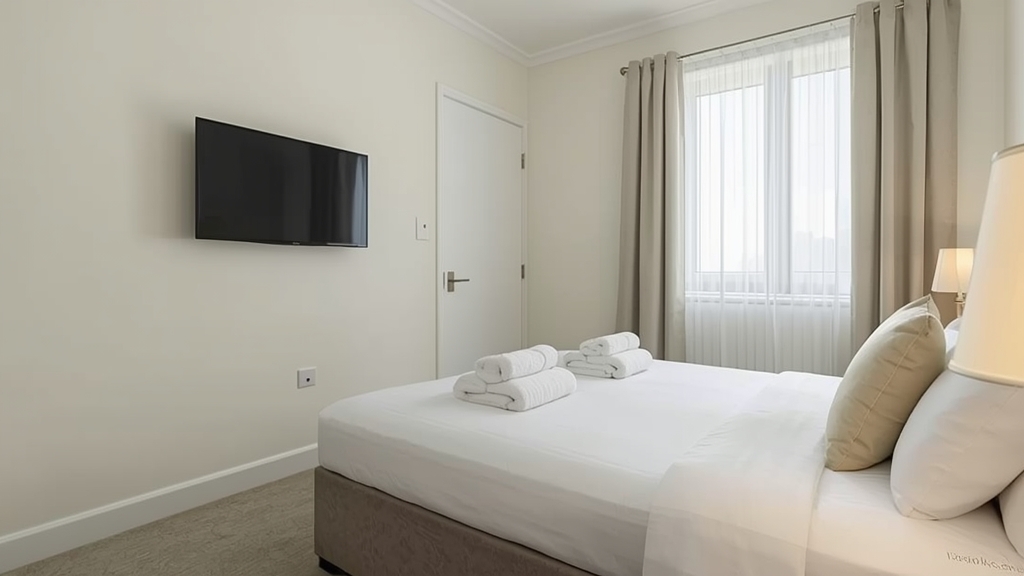
Offering IPTV to guests at a rental property is a nice touch, but it comes with a couple of considerations that don't apply to a purely personal, single-household setup.
Decide who the login actually belongs to
Keep the subscription under your own control rather than handing guests the raw login details — review our connection limits guide to confirm the account can support the property alongside anything you use personally.
Choose a device guests can't easily misconfigure
A simple, locked-down streaming box tends to hold up better in a guest setting than a general-purpose device loaded with extra apps and settings — see our device guide for straightforward options suited to this kind of shared use.
Plan around network reliability at the property
Rental properties don't always have the most consistent internet, so following our router settings guide to prioritize the streaming device's connection reduces the chance a guest runs into buffering during their stay.
Leave simple instructions for guests
A short printed card with how to turn the device on and switch channels prevents most guest confusion without you needing to be reachable for every question — keep it general enough that it still applies after small app updates.
Resetting between stays
A quick check between guests — confirming the device is logged in correctly and functioning — catches most issues before the next arrival, rather than guests discovering a problem on their first night.