Devices
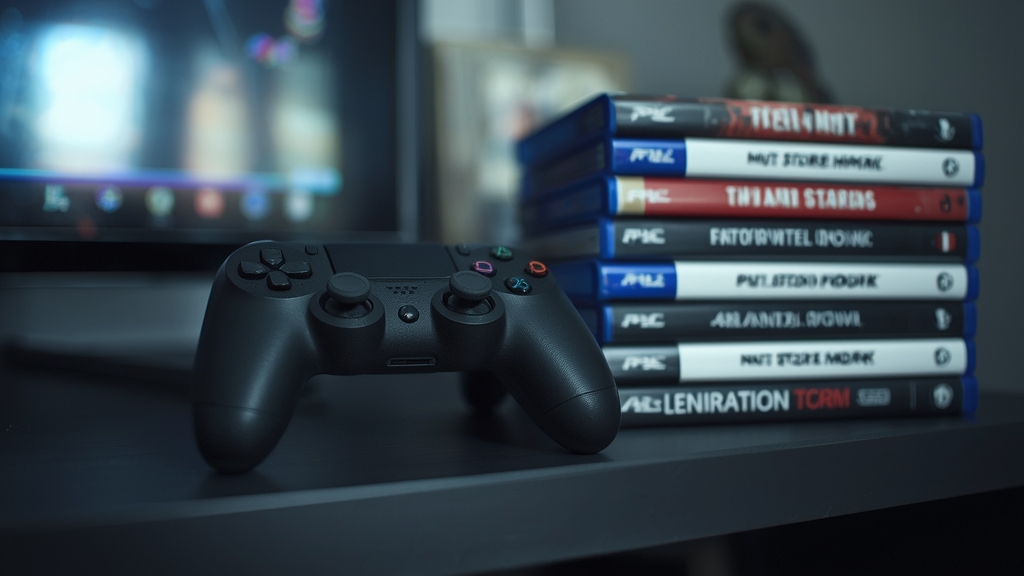
Rather than running a separate streaming box, some households prefer installing an IPTV player app directly on a console that's already connected to the TV — a workable option, with a few quirks worth knowing before relying on it as your main setup.
App availability varies by console and store
Not every console storefront carries a dedicated IPTV player app, and availability can change over time, so it's worth checking your specific console's app store directly rather than assuming compatibility — see our device guide for currently reliable alternatives if nothing suitable is available.
Entering playlist details with a controller
Typing a long M3U URL or Xtream login with a controller and an on-screen keyboard is slower than on a remote-based device — our M3U and Xtream Codes guide explains what you're actually entering, which helps you type it correctly the first time and avoid repeating the process.
Consoles aren't optimized to stay on as a TV replacement
A console left running for hours of IPTV viewing uses more power and generates more fan noise than a dedicated streaming device built for exactly that purpose — fine occasionally, but worth considering if IPTV becomes a daily habit on that device.
Bandwidth sharing still applies
If gaming and IPTV happen on the same console at different times rather than simultaneously, bandwidth contention is less of a concern than our dual-use setup guide covers for running both devices side by side — still worth a read if the console shares a network with other heavy users.
When a dedicated device makes more sense
If IPTV becomes a primary use case rather than an occasional convenience, a dedicated streaming box generally offers a smoother, purpose-built experience — worth revisiting once you know how often you're actually reaching for the console just to watch TV.