Devices
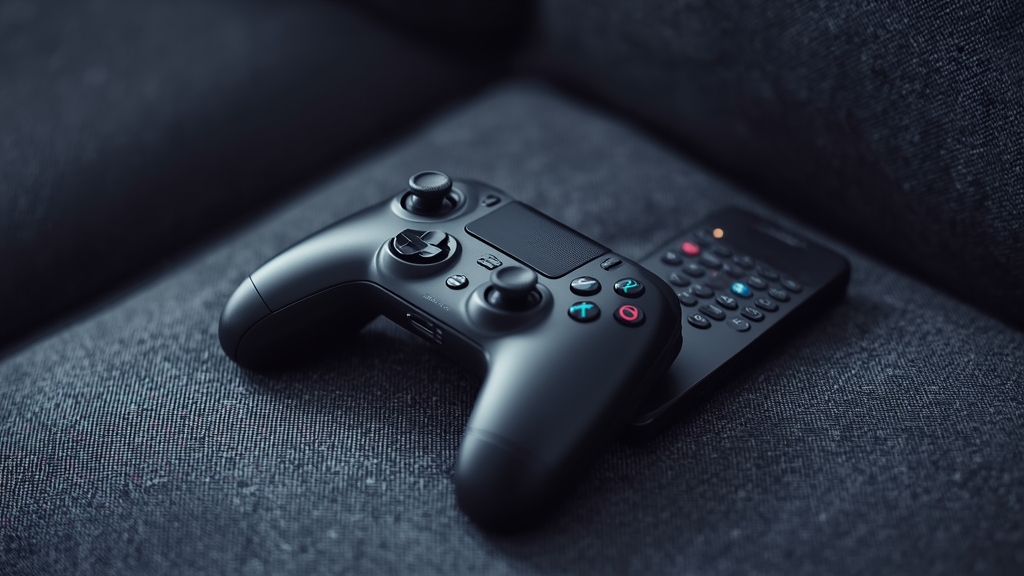
Separate HDMI inputs, shared bandwidth
A game console and an IPTV device typically connect through separate HDMI ports on the same TV, but they still share the exact same home network behind the scenes, meaning heavy online gaming traffic can genuinely compete with a live stream for the same limited bandwidth pool. See our router settings guide for how to manage this properly using QoS prioritization.
A capable Android box can do both
Higher-end Android boxes, including some capable of light gaming in their own right, are covered in our Android box comparison if you’d rather run one single device that comfortably handles both use cases instead of juggling separate hardware for each.
Avoid running both at max bandwidth simultaneously
Downloading a large game update while simultaneously streaming 4K IPTV over the exact same connection is a common, entirely avoidable cause of buffering that catches people off guard — pausing background downloads during active viewing solves this problem immediately with no other changes needed.
HDMI switching and remotes
An HDMI switch, or a TV with enough native inputs to avoid one altogether, saves the ongoing hassle of physically swapping cables back and forth between a console and a streaming device — factor this into your setup planning if you’re buying new hardware for either purpose.
When performance still suffers
If both console gaming and IPTV struggle at the same time, that combination usually points to an overall household bandwidth shortfall rather than either individual device being at fault on its own — see our device guide or contact support to talk through your specific setup in more detail.
Wired connections help both use cases equally
The same wired-over-Wi-Fi advice that helps IPTV stability applies just as strongly to online gaming, where a wired connection reduces lag in addition to helping with buffering. If you’re running an ethernet cable to the TV area anyway for one device, it’s worth extending that same wiring to cover both the console and the streaming device rather than leaving one on Wi-Fi.
Scheduling large downloads for off-peak hours
Most consoles let you schedule game updates and downloads for a specific time window, such as overnight, rather than triggering them manually whenever a new update becomes available. Setting this up once means large downloads no longer compete with evening IPTV viewing at all.
Audio setup when switching between the two devices frequently
If you’re regularly switching between a console and an IPTV device on the same TV, a single soundbar or receiver connected through the TV’s audio output, rather than separate speaker setups for each device, keeps audio consistent and avoids needing to reconfigure sound settings every time you switch inputs.
A note on network switches for larger setups
In a room with several wired devices — a console, a streaming box, a smart TV — a small unmanaged network switch connected to one ethernet line from the router lets all of them use a stable wired connection without needing a separate cable run back to the router for each individual device, which is a cheap and simple upgrade for a media-heavy room.
Putting it into practice
None of the steps above require special technical knowledge, and working through them in order — rather than jumping straight to contacting support — resolves the majority of cases on the first pass. Keep in mind that IPTV setups vary by device, app, and household, so what fixes the issue for one person’s living room setup may take an extra step or two on another. If you’ve read this far and still have a question specific to your own setup, that’s exactly the kind of detail worth sending along when you reach out to support — the more specific the description, the faster it gets resolved. And if this topic connects to a decision you’re still weighing about your subscription itself, current Flash4KIPTV plans are worth a look alongside everything covered here.