Devices
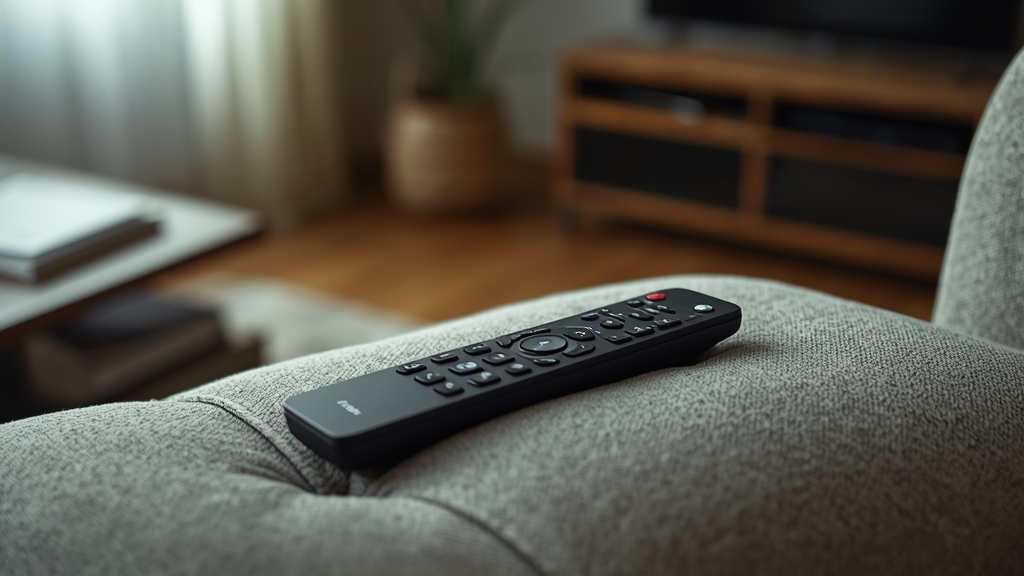
Long-press for quick options
On many streaming devices, a long-press on the remote’s select or center button opens a quick options menu directly on top of whatever channel is currently playing, skipping several menu layers you’d otherwise need to navigate through manually — worth testing on your specific device even if it isn’t documented anywhere obvious in the app itself.
Number entry for direct channel jumps
If your remote has a physical number pad, or your device supports on-screen number entry through the interface, typing a channel number directly is often noticeably faster than scrolling through a long alphabetical or numeric list — check whether your specific app supports this shortcut before assuming it doesn’t.
Using voice search where available
Devices equipped with voice remotes can often search the EPG or channel list by name directly, which is considerably faster than manual scrolling for finding a specific channel or quickly checking what’s currently airing — see our EPG guide for a fuller sense of what voice search can and can’t reliably do.
Reordering or favoriting channels
Most apps let you drag channels into a custom order or mark them as favorites outright, moving your household’s most-watched channels to the very top of the list rather than leaving the default provider ordering in place indefinitely.
Learning these once pays off daily
None of these tricks are strictly essential, but together they add up to noticeably less day-to-day friction — well worth the roughly ten minutes it takes to explore your specific app’s full menu structure once. See our device guide if you’re considering switching hardware partly for a better remote and navigation experience, and check current plans if a hardware upgrade also has you reconsidering your subscription tier.
Replacing a lost or unresponsive remote
Most streaming devices also work through a companion phone app that mirrors the physical remote’s functions, which is worth setting up in advance as a backup in case the physical remote is ever lost, damaged, or simply runs out of batteries at an inconvenient moment.
Customizing shortcut buttons where available
Some remotes include one or two programmable shortcut buttons originally intended for a specific streaming app, which can often be reassigned in the device’s settings to launch your IPTV player instead — a small change that shaves a step or two off getting to live TV every single time you sit down to watch.
Keeping firmware updated for the remote pairing itself
Bluetooth remote pairing issues — delayed button response, occasional disconnects — are sometimes resolved by the same device firmware updates that fix other unrelated issues, so it’s worth checking for updates specifically if remote responsiveness itself, not the app, feels the problem.
A few seconds that add up over months
Individually, each of these shortcuts saves only a few seconds compared to navigating the slow way. Multiplied across months of daily viewing, though, that adds up to a meaningfully smoother experience every time you sit down to watch — the kind of small quality-of-life improvement that’s easy to skip when setting up a new device but easy to appreciate once it’s in place.
Putting it into practice
None of the steps above require special technical knowledge, and working through them in order — rather than jumping straight to contacting support — resolves the majority of cases on the first pass. Keep in mind that IPTV setups vary by device, app, and household, so what fixes the issue for one person’s living room setup may take an extra step or two on another. If you’ve read this far and still have a question specific to your own setup, that’s exactly the kind of detail worth sending along when you reach out to support — the more specific the description, the faster it gets resolved. And if this topic connects to a decision you’re still weighing about your subscription itself, current Flash4KIPTV plans are worth a look alongside everything covered here.