Use Case
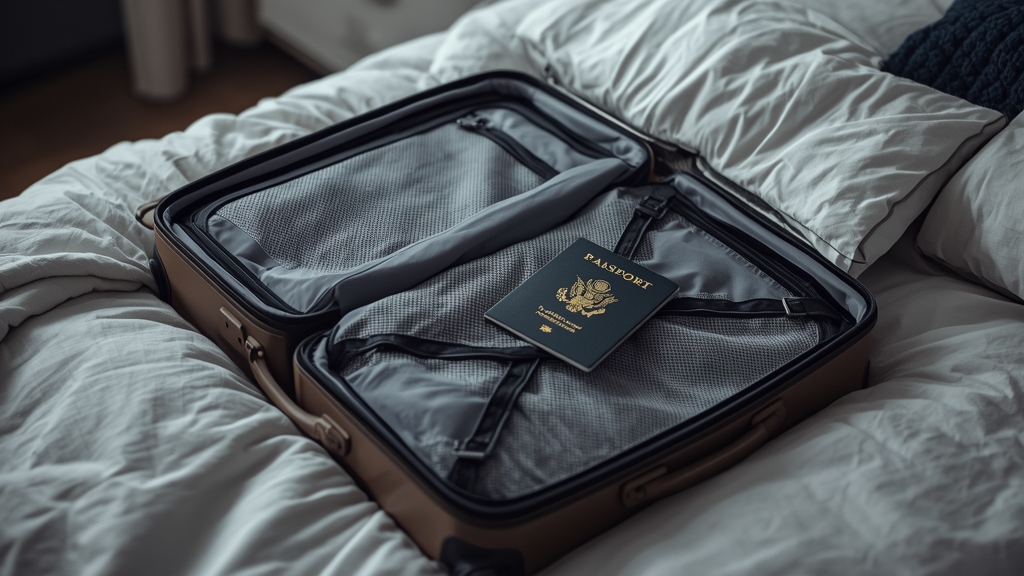
Your subscription travels with you
An IPTV login isn’t tied to a fixed physical address the way traditional cable service is — it works anywhere you have a reasonably stable internet connection, which is one of the clearest appeal points for frequent travelers, people splitting time between two homes, or anyone living abroad for an extended stretch.
Hotel and public Wi-Fi challenges
Hotel networks are often shared among many guests at once and can be noticeably slower or less stable than a typical home connection, which tends to show up as more frequent buffering than you’re used to. See our buffering fixes guide for what to check first when the network itself, rather than your usual setup, is the variable that changed.
Choosing a travel-friendly device
A compact streaming stick that fits easily in a bag or even a jacket pocket is far more practical for travel than a bulkier dedicated box that needs its own power supply and more careful packing — see our device comparison for genuinely portable options worth considering.
Should you use a VPN while traveling?
Public networks in hotels, airports, and cafes are exactly the kind of situation where a VPN’s privacy benefit becomes most useful, since you have far less control over who else is on that network with you — see our VPN guide for a fuller look at when it genuinely helps and when it just slows things down unnecessarily.
Before you leave
Confirm that your login details work correctly on a secondary device before you actually travel, in case your primary device runs into an issue while you’re on the road with fewer options to troubleshoot it. Contact support ahead of a trip if you want to double-check anything about your account before you go.
Time zone differences and the EPG
Traveling across time zones affects how your EPG displays program times, similar to the time-zone mismatch issue covered in our EPG troubleshooting guide — double-check your device’s time zone setting after arriving somewhere new, since an incorrect setting here is a common source of confusion about when a show is actually airing relative to local time.
Local network restrictions to be aware of
Some countries and networks apply broader restrictions to certain types of internet traffic that have nothing to do with IPTV specifically — worth a quick search on the destination before traveling if streaming reliability matters to your trip, so you’re not troubleshooting something that was never fixable from your side to begin with.
Data roaming considerations on mobile connections
If you’re relying on a mobile hotspot or roaming data rather than a fixed Wi-Fi connection while traveling, check your data plan’s allowance carefully — streaming, especially at higher quality settings, consumes data quickly, and an unexpectedly large roaming bill is a more common travel frustration than any IPTV-specific issue.
Putting it into practice
None of the steps above require special technical knowledge, and working through them in order — rather than jumping straight to contacting support — resolves the majority of cases on the first pass. Keep in mind that IPTV setups vary by device, app, and household, so what fixes the issue for one person’s living room setup may take an extra step or two on another. If you’ve read this far and still have a question specific to your own setup, that’s exactly the kind of detail worth sending along when you reach out to support — the more specific the description, the faster it gets resolved. And if this topic connects to a decision you’re still weighing about your subscription itself, current Flash4KIPTV plans are worth a look alongside everything covered here.